Requesting Time Off
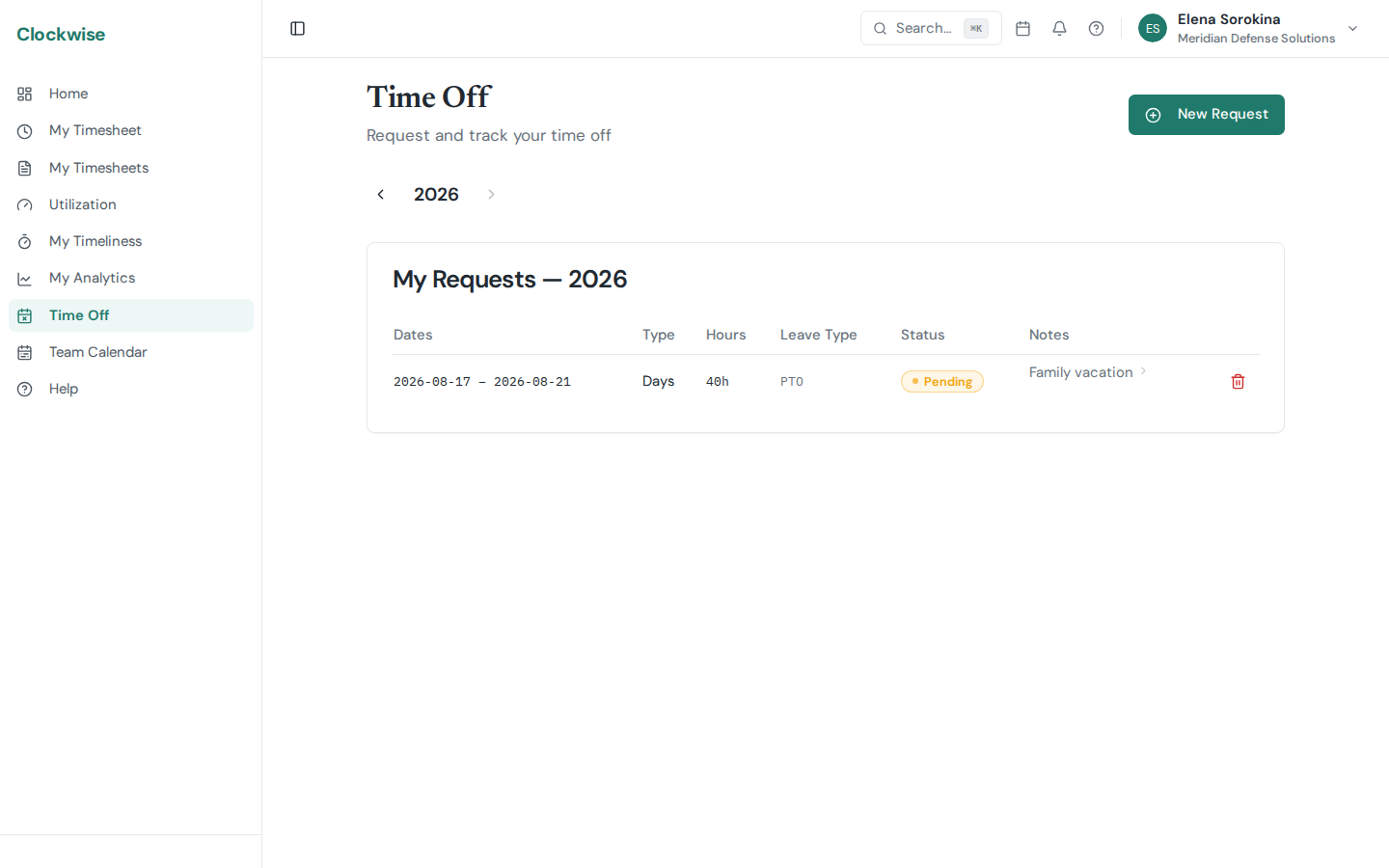
Clockwise lets you request time off in two modes: full days or specific hours.
Full-Day Requests
Select Days mode, then pick your start and end dates. Each day in the range counts as a full day of leave based on your company's default daily hours.
Partial-Day Requests
Select Hours mode to request a partial day. You'll enter a start time and end time, and Clockwise will automatically calculate the total hours.
Leave Types
When creating a request, you can optionally select a leave type (e.g., Annual Leave, Sick Leave, Personal). This categorizes the request and deducts from the matching leave balance.
Request Statuses
Leave Balances
Your available leave balances are shown on your Profile page. Balances are tracked per leave type and per year. They include your base allocation, any adjustments made by an admin, and hours already used.
Only pending requests can be cancelled. Once a request is approved or rejected, contact your admin for changes.