Groups & Approvers
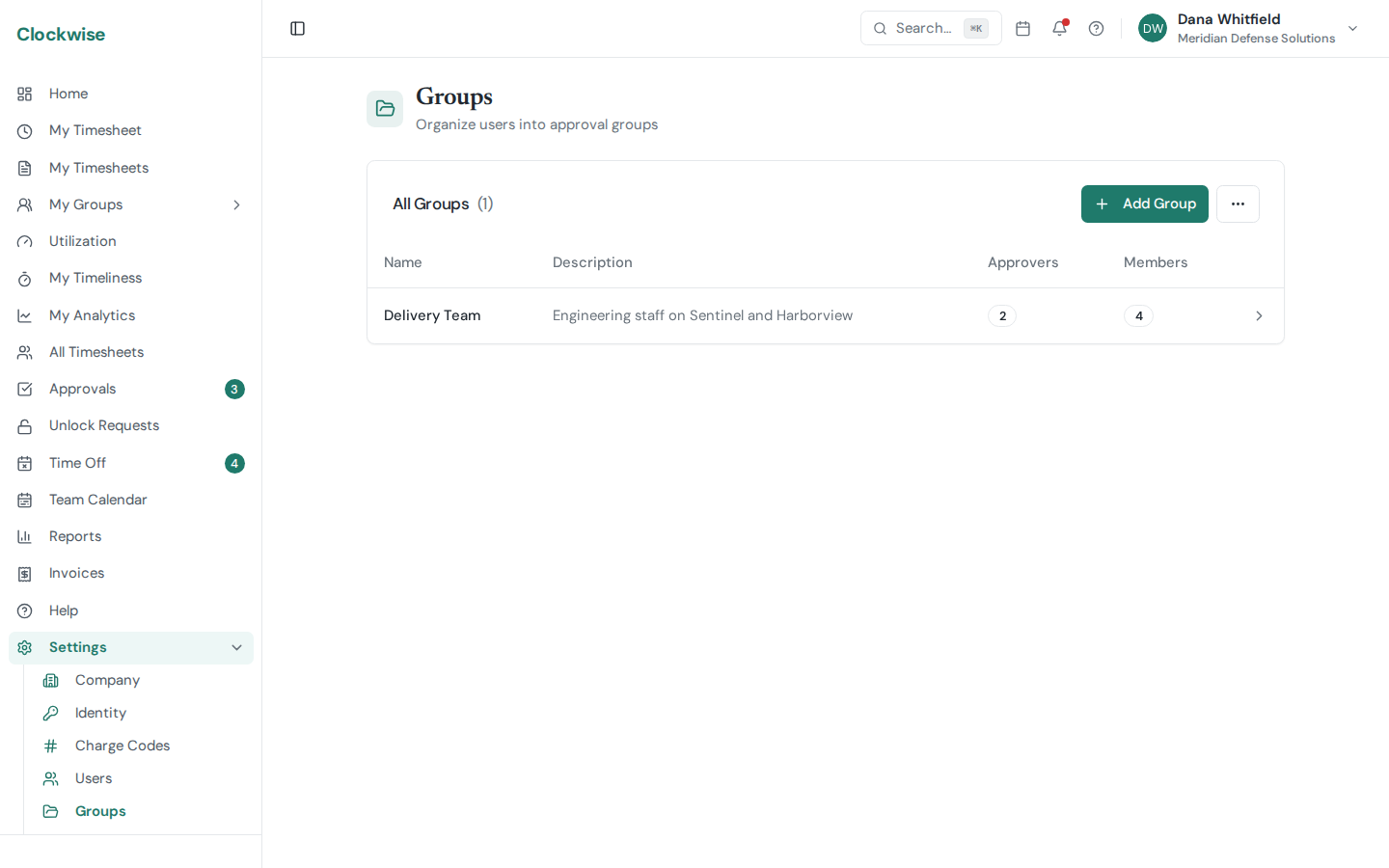
Groups let you organize users into teams and control who approves their timesheets.
Creating a Group
Go to Settings > Groups and click New Group. Give it a name and optional description.
Assigning Members
From the group detail page, add users to the group. Each user belongs to one group at a time.
Designating Approvers
Assign one or more approvers to the group. When a group member submits a timesheet, it routes to these approvers for review. Approvers see pending timesheets on their Dashboard and Approvals page.