Browsing All Timesheets
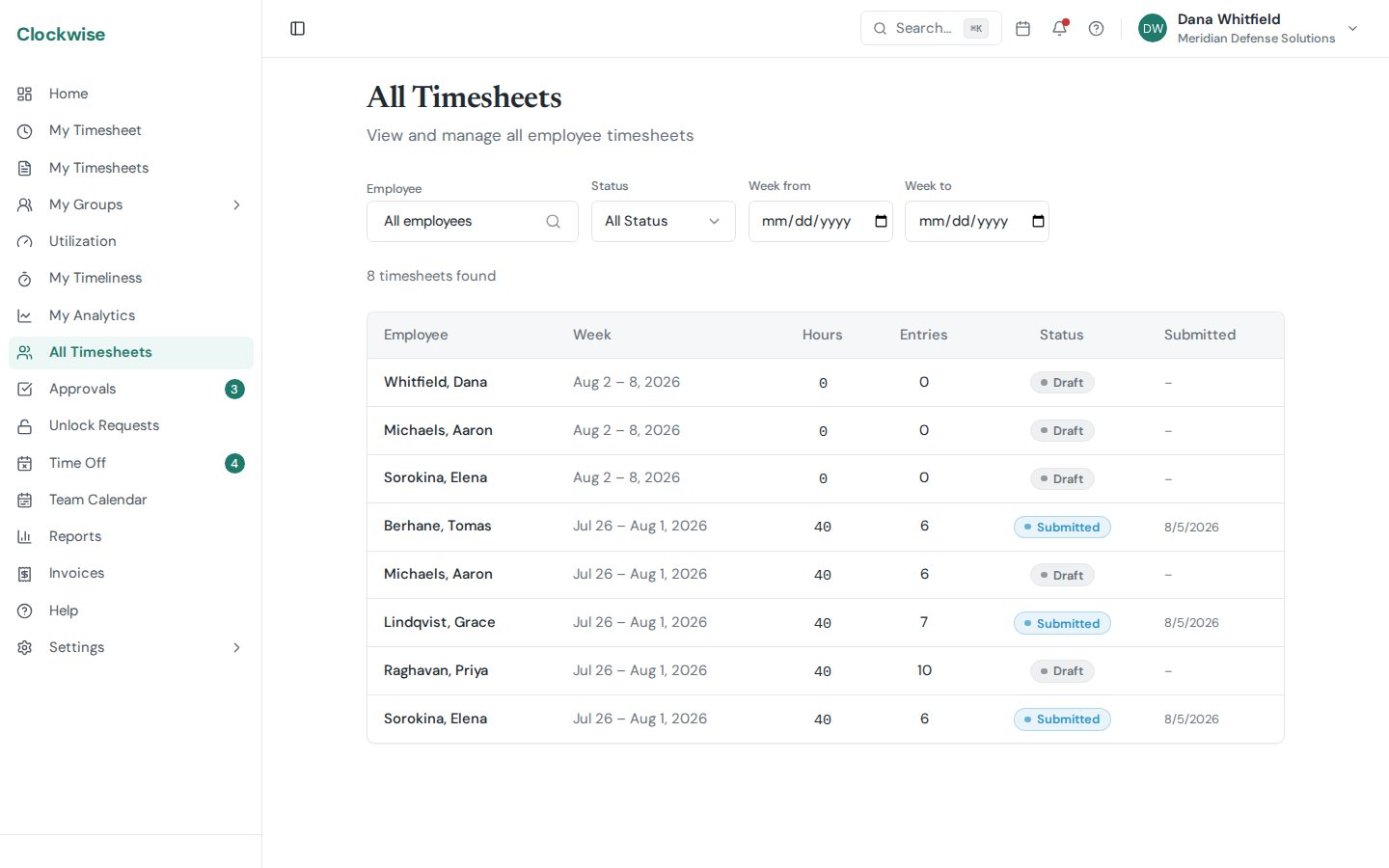 All Timesheets. Every sheet in the company, filterable by person, period, and status.
Two pages in the sidebar let you browse timesheets:
What You See
Timesheet History shows your own timesheets across all periods.All Timesheets (admins, finance and operations support) shows timesheets for every employee in the company.Filtering
Use the filters at the top to narrow results:
Employee — Select a specific person (All Timesheets only).Status — Filter by Draft, Submitted, Approved, or Rejected.Date range — Filter by week start and end dates.Search — Search by employee name or email.Navigation
Click any row to open the full timesheet detail view. Results are paginated — use the navigation buttons at the bottom to move between pages.