Leave Types & Balances
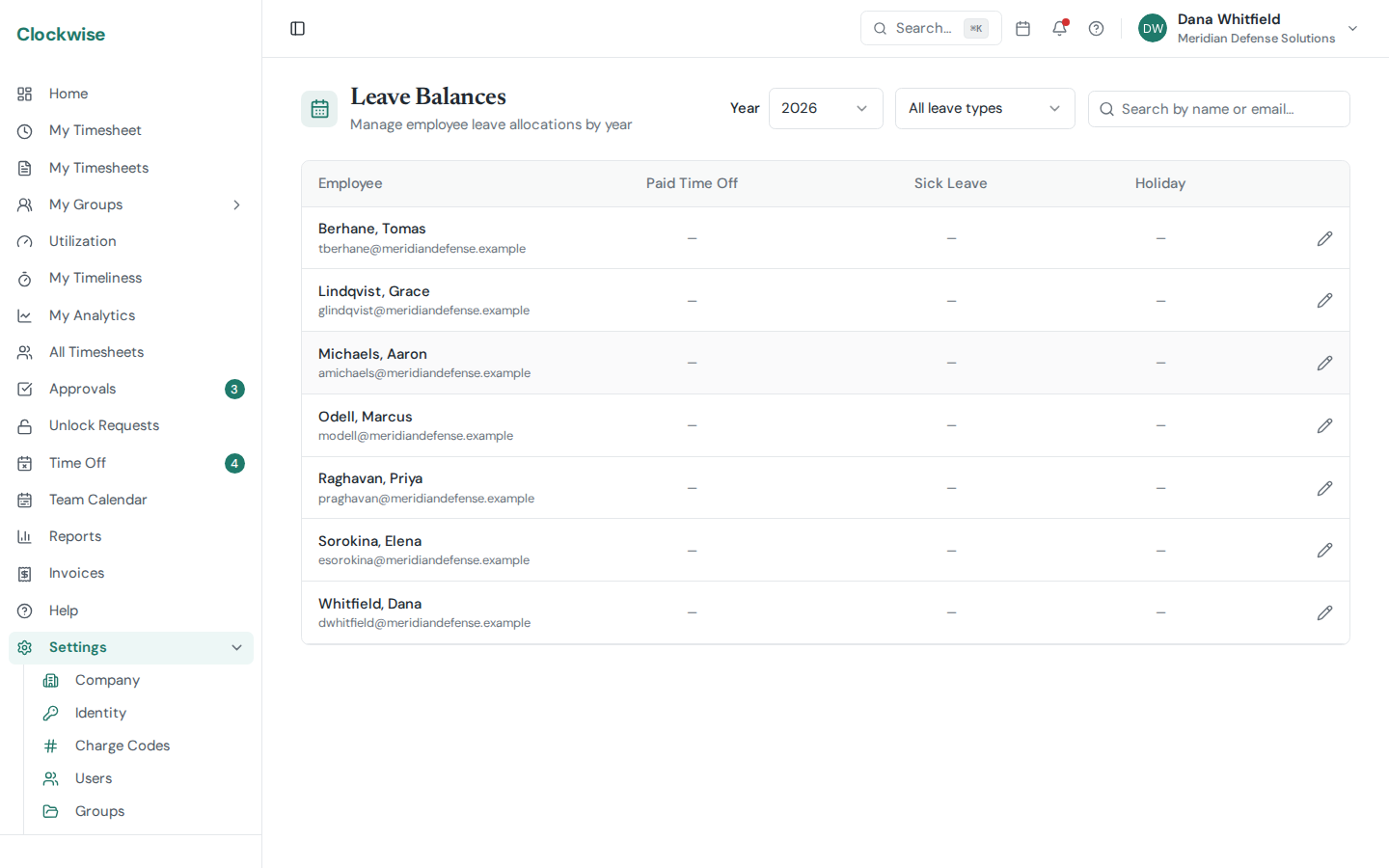
Leave types categorize time-off requests and track how much leave each employee has available.
Leave Types
Go to Settings > Leave Types to manage them.
Creating Leave Types
You can add types individually or click Add Common Types to bulk-create 12 common presets (Annual Leave, Sick Leave, Bereavement, Jury Duty, etc.).
Automatic Charge Code Creation
When you create a leave type, Clockwise automatically creates a matching charge code of type "leave". This allows employees to log leave hours on their timesheets against the correct category.
Leave Balances
Each employee has balances tracked per leave type and per year. Manage them from Settings > Users > (select user) > Leave Balances.
Balance Components
How Balances Are Consumed
When an employee's time-off request is approved, the hours are automatically deducted from the matching leave type balance for that year. Employees can view their own balances on their Profile page.