Identity, SSO, SCIM & API Keys
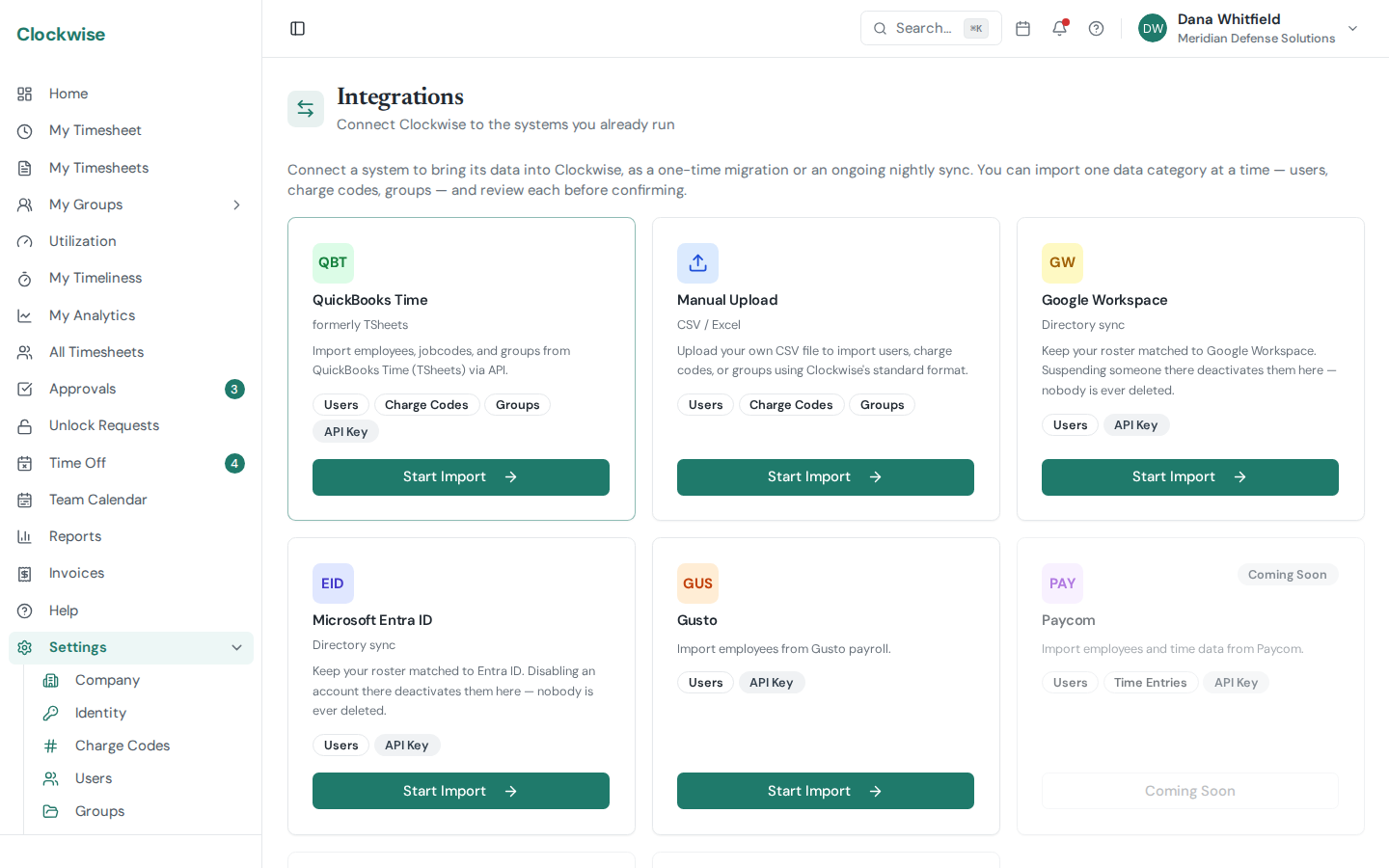
Settings → Identity is where you provision users from your identity provider and manage API keys for programmatic access.
Single Sign-On (SSO)
Everyone signs in through Clockwise's own identity provider by default — including with a Google account, if you have one. Nothing to configure.
Connecting your own OIDC provider (Okta, Auth0, Entra ID, or any other) is supported, but it is not currently self-service: there is no SSO panel on the Identity page. Contact us and we will configure the connection for your organization.
However you sign in, the external token is exchanged once for a Clockwise-issued JWT; subsequent API calls use that JWT.
SCIM 2.0 Provisioning (Pro)
SCIM auto-provisions users from your IDP into Clockwise so that joiners and leavers don't require admin intervention. To enable it:
You can revoke and rotate SCIM tokens from the same panel.
Only one system can own your user roster. If you also run a payroll or directory
integration that syncs users — Gusto, Google Workspace, or Entra ID — SCIM writes are
refused while it's connected, so the two can't fight over who is active. Disconnect the
other integration first if you want SCIM to manage users. SCIM reads always work, so
your IDP can still see what Clockwise holds.
Connector settings
Use these values when adding Clockwise as a SCIM application in your IDP:
Authorization: Bearer <token>.userName (mapped to email).active=false). Groups and password sync are not supported in this release.Vendor quick links
A note on tenancy
The SCIM URL contains your company slug, and the bearer token is checked against it on every request — a token from one company will not work against another company's URL. If you rename your company slug under Settings → Company, you'll need to update the URL in your IDP. Treat the token like a password: rotation invalidates the previous one immediately.
API Keys
The API Keys panel on the Identity page lets admins and owners on every plan mint named bearer keys (cwk_...) for scripts, reporting tools, and integrations. A key acts as the admin who created it — deactivating or demoting that user limits the key too — and only works for your company. All keys are currently read-only (GET requests only); full read-write keys are coming later as a Pro feature. Keys can carry an optional expiration date and can be revoked at any time. The key value is shown once at creation.
Send the key on every request as Authorization: Bearer <key> together with X-Company-Slug: <your slug> — a ready-made curl example is shown when you create a key. Keys can never manage credentials or billing — authentication, API-key management, SCIM, and billing endpoints reject them. Treat keys like passwords: if one leaks, revoke it immediately.
Large report endpoints (such as the labor-entries report) are paginated (limit defaults to and caps at 200) — their responses include total, has_more, and next_offset, so keep re-requesting with offset=<next_offset> until it comes back null, or you'll only see the first page. Smaller listings return a plain array with no envelope.