Salaries
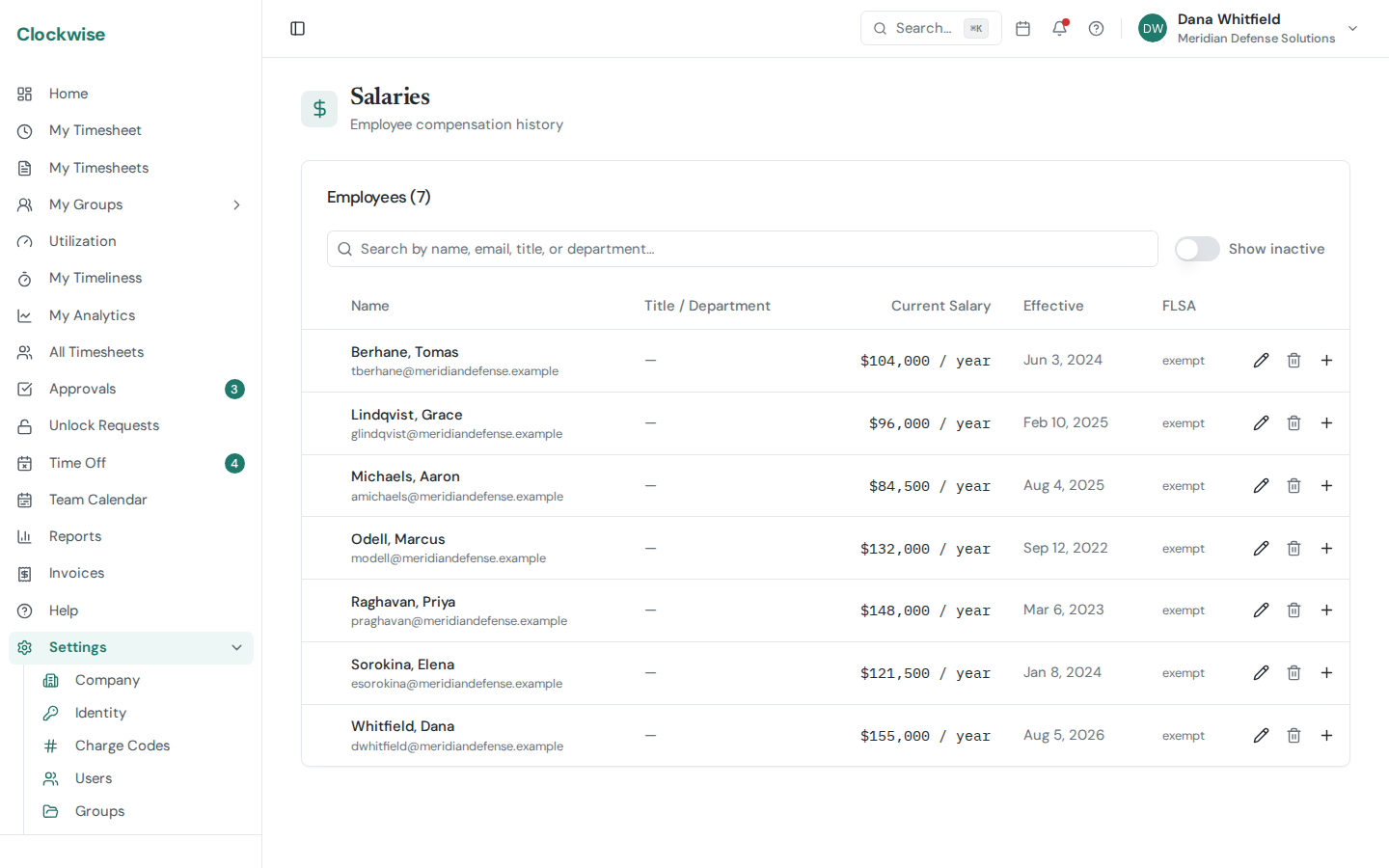
The Settings → Salaries page tracks per-employee compensation history: salary or hourly rate, effective date, and source (manual, Gusto import). It's the basis for cost allocation reports and incurred-cost submissions that pair salary with charged hours.
Importing from Gusto
The fastest way to populate this is the Gusto integration on Settings → Integrations. It pulls each active employee's pay rate and effective date directly from your Gusto account — no manual data entry. See Connecting to Gusto.
Manual Entry
If your company does not have an *enabled* Gusto integration, Admins and Owners can add, edit, and remove salary rows by hand from the Salaries page — including rows previously imported from Gusto. Each entry takes:
New rows supersede earlier ones from their effective date forward — the prior open row is automatically closed the day before, and old rows are kept so historical reports use the rate that was active at the time.
While a Gusto integration is enabled, Gusto is the source of truth and the Salaries page is read-only. Disable the integration on Settings → Integrations to manage salaries by hand again. (Note: if you later re-enable and re-import, Gusto overwrites its own rows, so any hand-edits to imported salaries are replaced.)
Visibility
Salary visibility is restricted: Admins, Owners, and Finance can read this page; Operations Support and regular users cannot. Finance sees the figures but not the add/edit/remove controls — those are Admin/Owner only.