Team Calendar
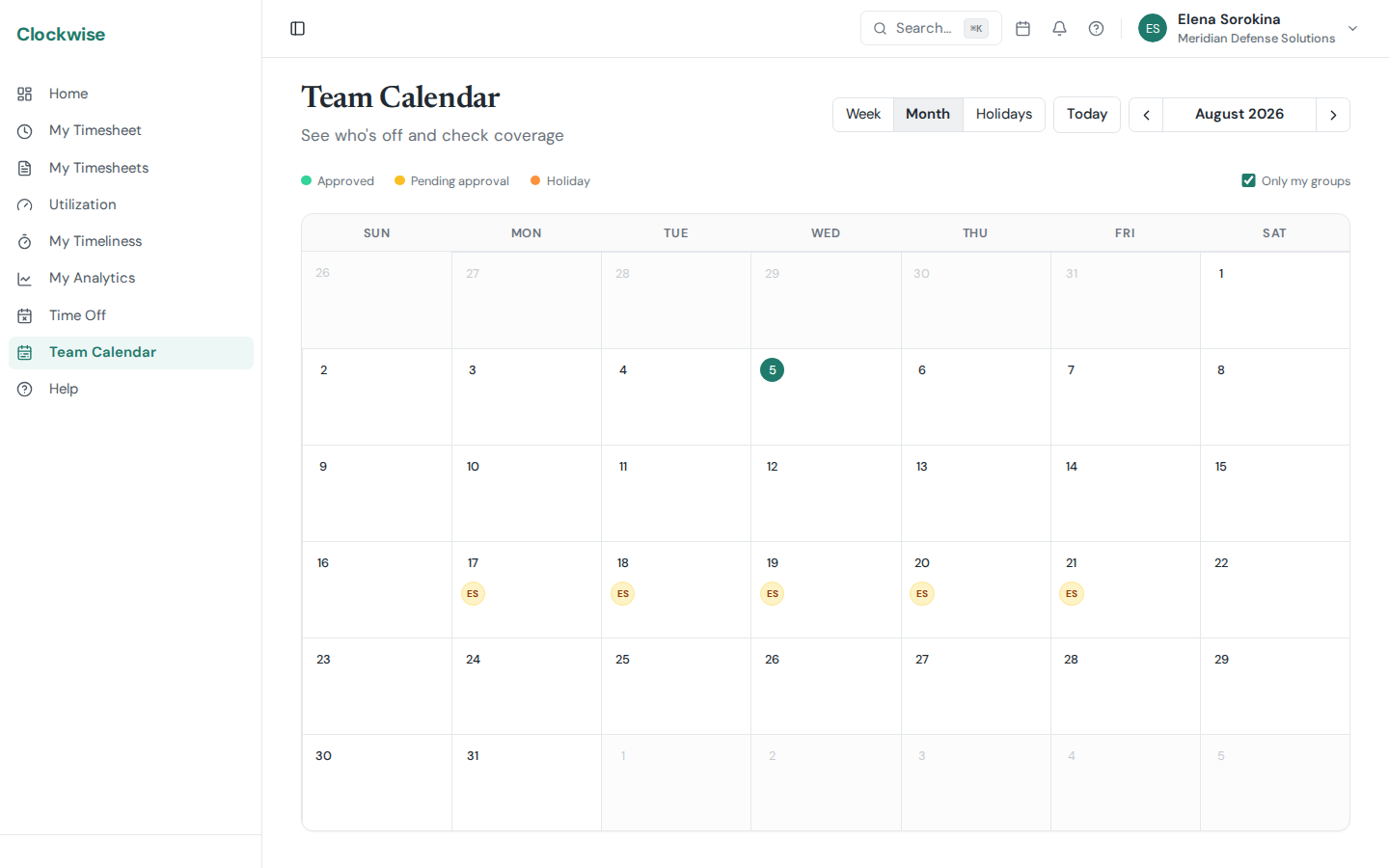
The Team Calendar gives you a monthly view of who's out and what's coming up.
What's Displayed
Each day cell shows small colored chips representing people and events:
Overflow
If more than 3 people are out on the same day, the cell shows a +N indicator. Click the day to see the full list.
Day Detail Panel
Click any day to open the detail panel on the right side. This shows the complete list of who's out, what type of leave, and any calendar events for that date.
Navigation
Use the arrow buttons to move between months. The Today button jumps back to the current month.