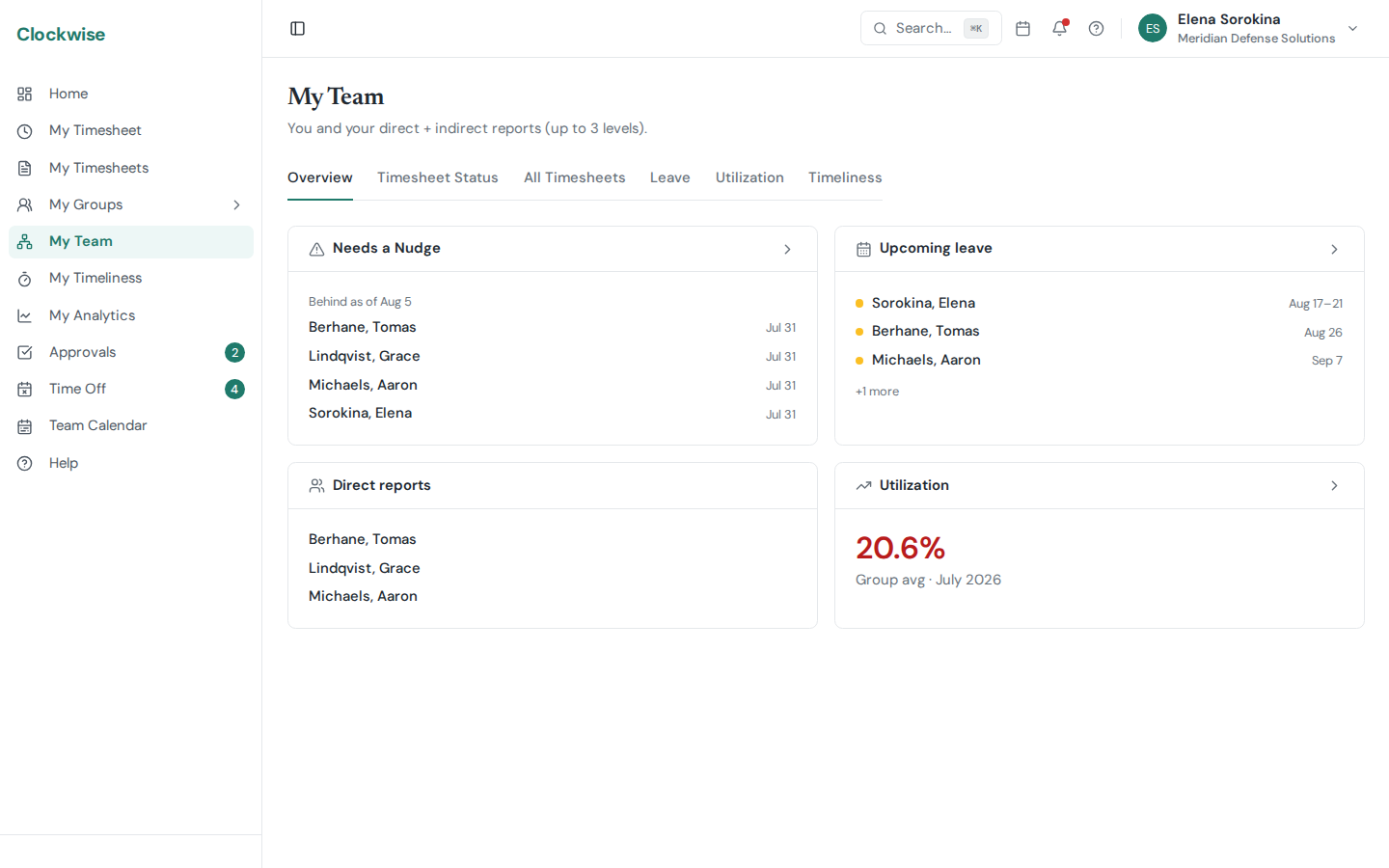
My Team. Who reports to you, who is behind on time, and what leave is coming up.
If at least one user has you set as their Manager in their profile, a My Team entry appears in your sidebar. It surfaces a manager-scoped view of your direct reports (and their reports, transitively — the full chain below you).
Tabs
The same tabs as My Groups (apart from Sick Leave), scoped to your reporting tree instead of an approval group:
Overview — Summary of your team and quick stats, including a Direct reports card listing the people who report straight to you (each name links to their user page).
Members — Your direct and transitive reports, "Last, First".
Timesheets — Submission status across the team for the current period.
Leave — Pending and approved time off — useful for spotting coverage gaps.
Utilization — Hours and utilization charts scoped to your team.
Timeliness — On-time vs. late day rates across your reports, with per-day drill-down. See Timeliness.
My Team vs. My Groups
My Groups is *approval-based* — you see groups where you're listed as an approver, regardless of reporting relationships.
My Team is *manager-based* — you see anyone whose profile points up to you as their manager, transitively.
You can be in both at once and the views can overlap.
Personal Utilization
If you're a W-2 employee with no direct reports, you'll get a personal Utilization entry in the sidebar instead — a single-person version of the Utilization tab focused on your own billable vs. available hours. See Utilization.