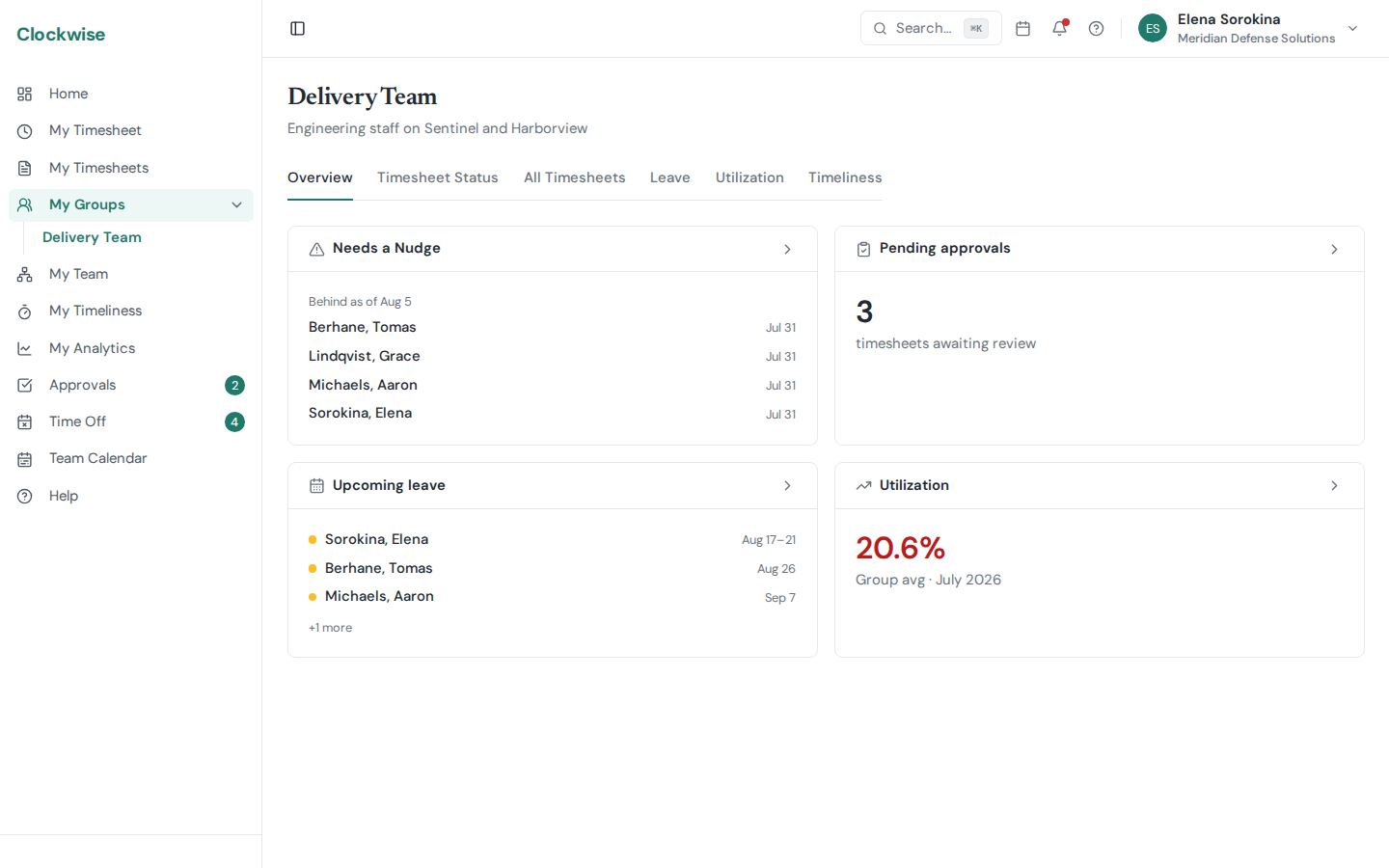
My Groups. For each group you approve: timesheet status, leave, utilization, and who needs a nudge.
My Groups shows up in the sidebar if you're a designated approver on at least one group. Each group you approve for opens to a tabbed view of that team.
Tabs
Overview — Group name, description, member count, and approver list. Quick orientation for who you're responsible for.
Members — Roster with role and active status. Shown as "Last, First" everywhere in the app.
Timesheets — Every submission from the group's members in one feed. Use it to triage your approval queue without leaving the group context.
Leave — Pending and approved time-off requests from group members. Useful for spotting overlap before approving.
Sick Leave — Each W-2 member's current sick leave balance and hours used this year, with flags for a low balance, usage during the waiting period, or going over the annual cap. Expand a row to see every day they charged sick leave this year; a day with no sick policy in effect is listed but marked, because it wasn't deducted from the balance. Only submitted and approved timesheets count, the same as the balance.
Utilization — Hours and utilization charts scoped to the group's members.
Timeliness — On-time vs. late day rates for the group, expandable into per-day detail. See Timeliness for how the rule works.
If you also have direct reports (people whose Manager points at you in their profile), you'll get a separate My Team entry in the sidebar with the same tabs scoped to your reporting chain — see My Team.
Not Seeing My Groups?
Admins manage group membership and approver assignment from Settings → Groups. If you should be approving for a team but don't see it, ask your admin to add you as an approver. Users who aren't in any group can still submit timesheets — only admins will be able to approve them.