Sick Leave Policies
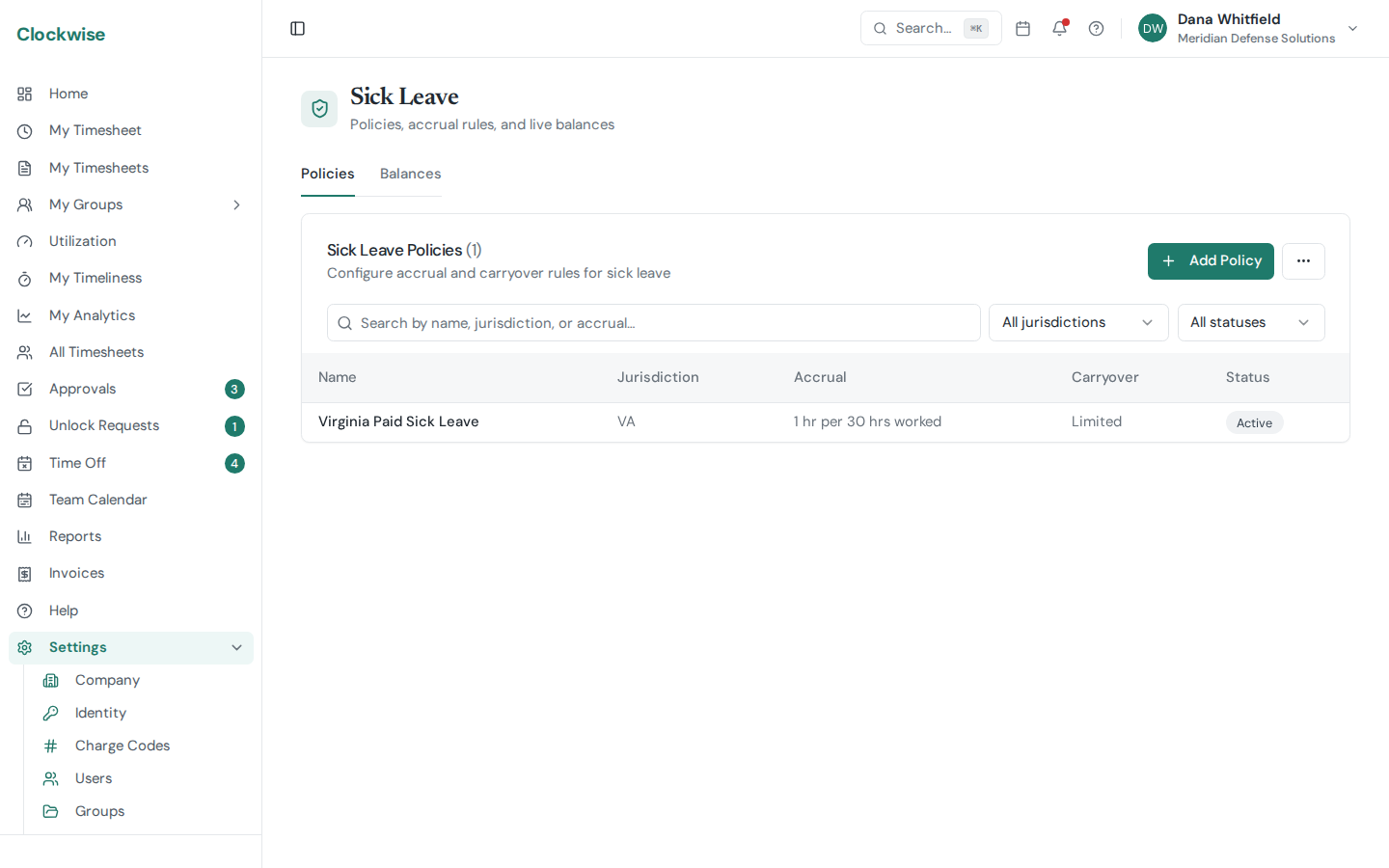
Sick leave is tracked separately from PTO so jurisdictions with mandated sick-leave accruals (e.g., DC, Maryland, California) get the right math. Manage policies and balances from Settings → Sick Leave.
Policies Tab
Each policy defines:
Assign a policy to each user from Settings → Users → (user) → Sick policy. A user has at most one active sick policy at a time.
Sick policies apply to W-2 employees only. 1099 contractors and subcontractors have no Sick policy tab and can't be assigned a policy — their leave is handled by their own employer.
Balances Tab
Live view of every user's accrued, used, and remaining sick balance for the current year. Click a row to see the trace — every accrual event (worked hour bucket) and every deduction (approved sick-leave time-off request) that contributed to the balance. Useful when an employee asks "where did my hours go?"
Sick Leave on Timesheets
Approved sick time-off requests deduct from the balance automatically. There's also a leave-type charge code so employees can log sick hours directly on a timesheet — those entries also deduct from the balance.