Account Managers
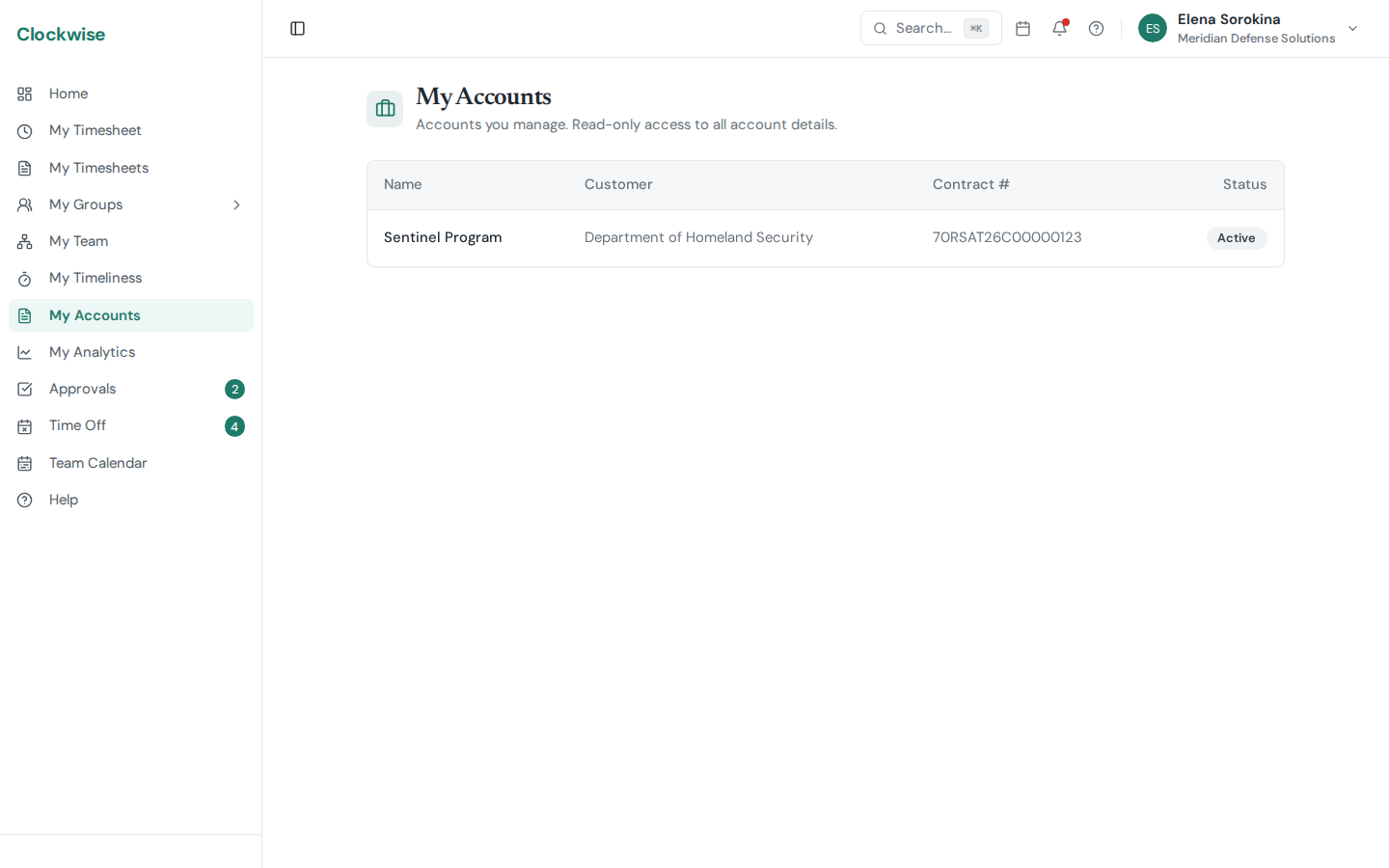
If your admin has named you a manager on one or more Accounts, a My Accounts entry appears in your sidebar (regular users only — admins/owners/finance see all accounts via the Settings menu).
What You Can See
My Accounts lists every account where you're a designated manager: name, customer, contract number, and active status. Click any row to open the read-only Account Detail page, where you can browse:
You can't change anything on the page — pricing, rates, and assignments are managed by admins.
Why This Exists
This gives program managers, project leads, or customer-facing staff visibility into "their" contract without giving them admin rights to the rest of the company. Talk to an admin if you should be on an account but don't see it in My Accounts.