Notifications & Slack Setup
Settings → Notifications is the company-wide control panel for email and Slack delivery. Per-user opt-ins still live on each user's profile under Notifications.
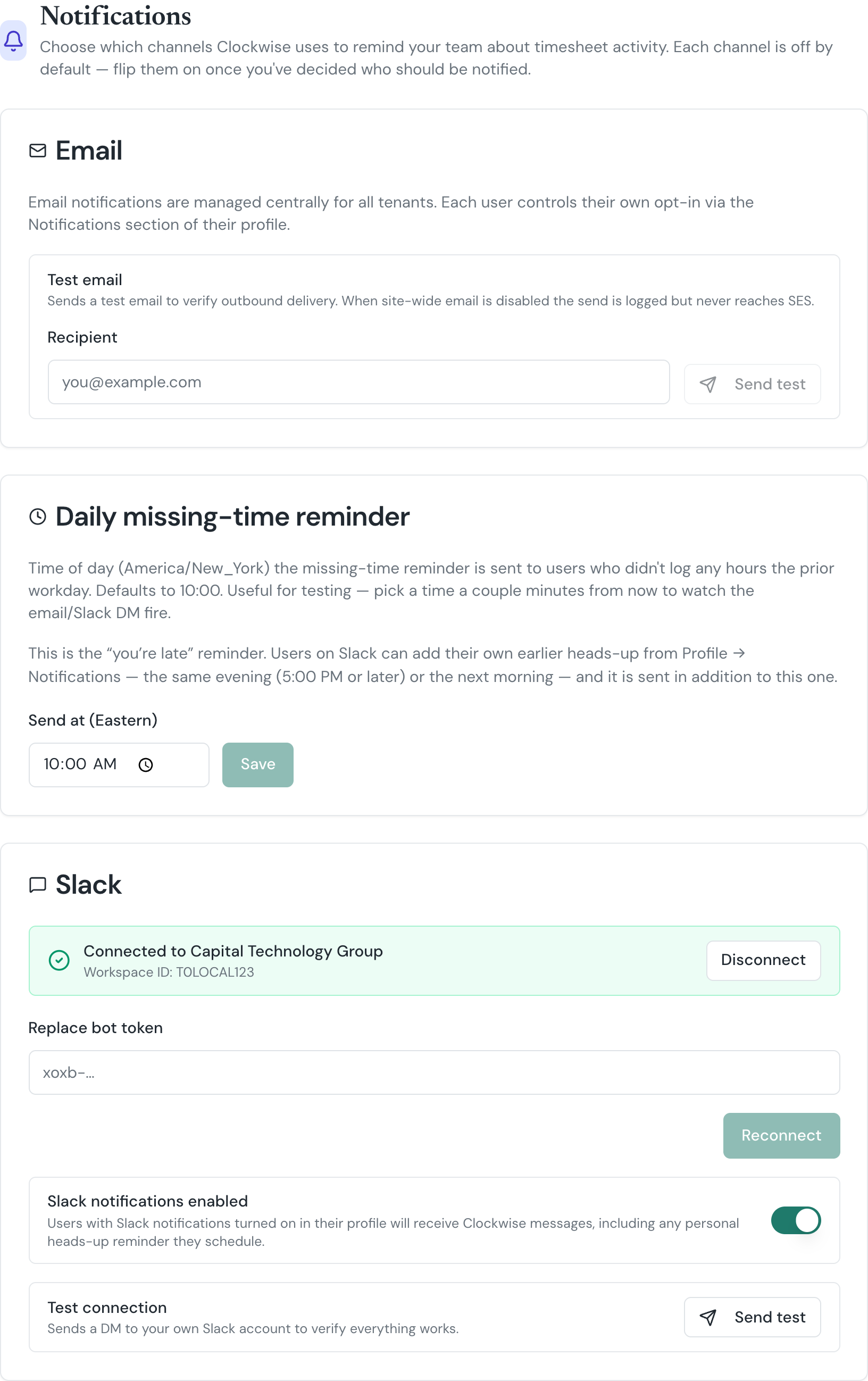
Email is managed centrally and is on by default — there's nothing to configure here, but a Send test email button lets you verify outbound delivery. If EMAILS_ENABLED is off site-wide (rare, set by support during incidents) the test will report that the message was logged but not delivered.
Daily Missing-Time Reminder
Pick the time of day (Eastern) Clockwise sends a "you didn't log any hours yesterday" nudge to users who have notifications enabled. Defaults to 10:00. Useful for testing too — set it a couple minutes ahead and watch the email/Slack DM fire.
A user only gets the reminder if:
EMAILS_ENABLED is on AND the user has Email toggled on in their profile.Slack
Slack is off by default at the tenant level. To turn it on:
users:read.email and chat:write scopes.xoxb-…).Once connected, each user still has to opt in by toggling Slack on in their own profile under Notifications. Their Clockwise email must match a member email in your Slack workspace.
Personal heads-up reminders
Users with Slack on can schedule their own earlier reminder from Profile → Notifications → Slack heads-up reminder: either the same evening (any time from 5:00 PM on) or the next morning at a time of their choosing. It is sent in addition to the daily reminder above, in the user's own timezone, and follows the same rules (weekends and holidays skipped, nothing sent once time is logged). A next-morning heads-up that would land in the same five minutes as the company reminder is suppressed, so nobody gets the same nudge twice. There is nothing to configure here — it rides on the Slack connection above.
To rotate the bot token, paste a new one and click Reconnect. To stop Slack delivery, either toggle the global switch off (preserves the token) or click Disconnect.