Accounts
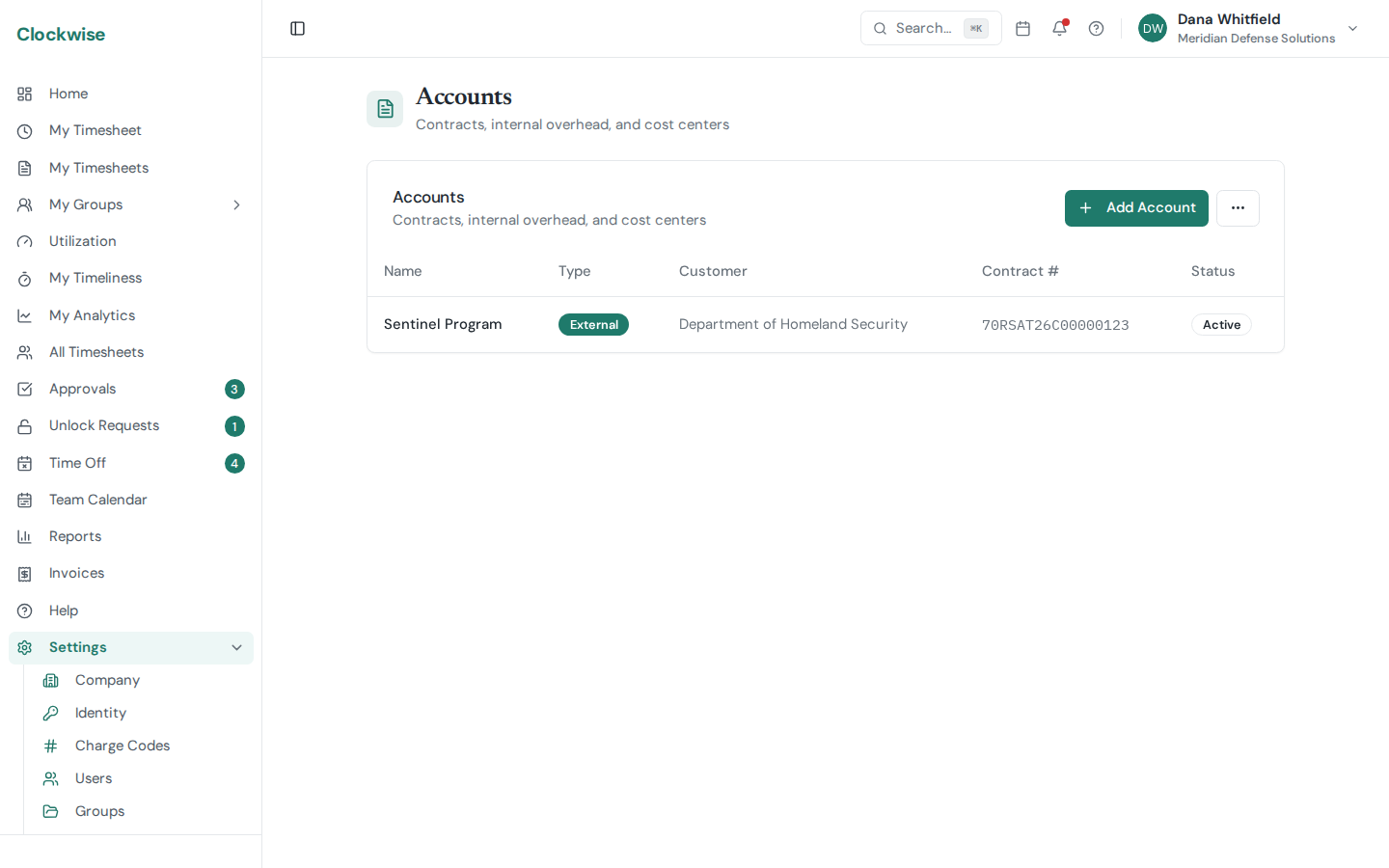
Accounts are the contract layer that sits above charge codes. They model the structure auditors and customers expect: customer, contract number, periods of performance, line items, labor categories, rate cards, and invoice periods. Available on the Pro and Enterprise plans.
Manage them from Settings → Accounts. The full model is documented in ACCOUNTS_DESIGN.md in the source tree — this is the operator's-eye summary.
Hierarchy
Account
  └─ Period of Performance (POP)
        └─ CLIN
└─ LCAT (labor category)T&M vs. FFP
Rate Cards and Rate History
The Account Detail page shows a rate matrix per CLIN. Editing a rate creates a new history row with an effective date — past timesheets continue to bill at the rate that was active when they were logged. The matrix highlights conflicts when the same LCAT has different rates across CLINs in the current period.
Invoice Periods
Each account generates invoice period rows on a configurable cadence (typically monthly). When you open the Invoices page, Clockwise rolls hours and FFP amounts up by invoice period and account so you can review and finalize them. See Invoices.
Roster
The Roster tab on Account Detail lists everyone currently assigned a charge code on the account — plus anyone whose assignment starts later — grouped by CLIN. See Roster.
Burndown
The Burndown tab on Account Detail tracks a T&M contract's spend against its CLIN ceiling — projected vs. actual dollars across the period of performance, with a straight-line/working-days projection toggle. See Burndown.
Account Managers
Non-admin users named as a manager on an account get read-only access via the My Accounts sidebar entry. See Account Managers.
Deleting or Archiving an Account
Open the account and click Delete (admins and owners only). What happens depends on whether anything still points at the account, and the dialog tells you which before you confirm:
To find an archived account, open the ⋯ menu on Settings → Accounts and choose Show archived, then open the account and click Restore to bring it back. Restore does *not* re-enable the charge codes that archiving deactivated — turn the ones you still need back on from Charge Codes.