Company Information
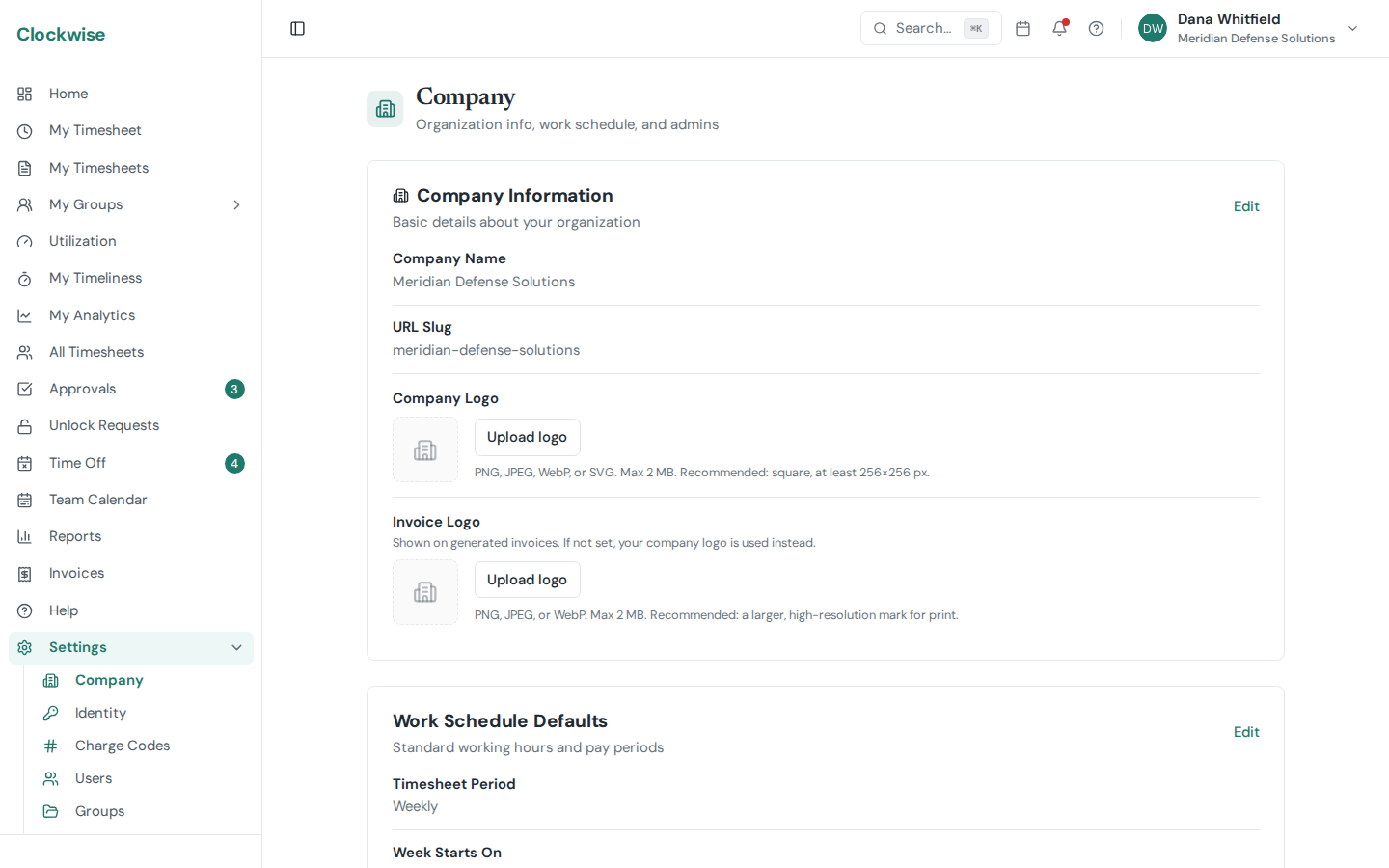
Go to Settings > Company to manage your organization's core details.
Company Name
Your company's display name, shown throughout the app and in reports.
URL Slug
The slug is part of your Clockwise URL (e.g., clockwise.app/your-slug/dashboard). It must be lowercase and can only contain letters, numbers, and hyphens. Changing the slug will update all URLs for your company.
Company Logo
Upload a logo that appears in the app header and reports. Supported formats: PNG, JPEG, WebP, SVG. Maximum file size: 2 MB.
Admin Management
From the Company settings, you can also manage who has admin access: