Utilization
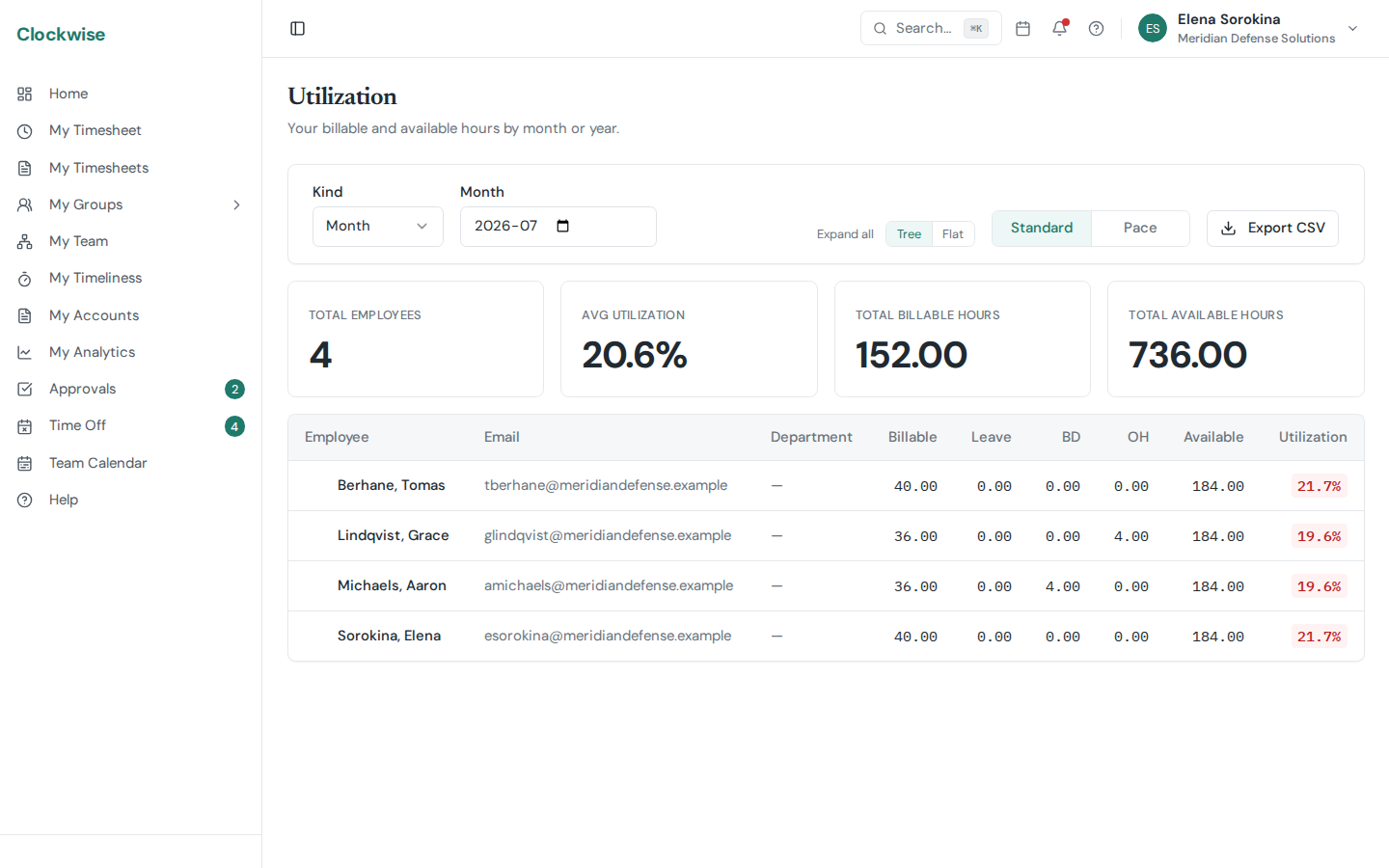
Utilization compares billable hours (charged to direct/customer-billable codes) against available hours (working-day hours net of company holidays and unpaid leave) for a window of time. Paid time off stays in the denominator — a week of PTO lowers your utilization, unpaid leave doesn't.
Utilization is about the billable-vs-available ratio. For a plain view of *how many* hours you logged and against which charge codes, see My Analytics instead.
Where to Find It
Reading the Numbers
A utilization rate is roughly:
billable_hours ÷ available_hoursA consultant operating "at 100% utilization" is fully booked on direct labor; lower numbers usually mean PTO, training, B&P, or bench time. Most govcon shops target 75–85% on average.
To Date vs. Full Month
When you're looking at the current month, a To date / Full month switch controls the denominator:
Billable hours are identical either way — only the denominator moves. Columns and summary cards are labeled (to date) whenever that basis is active, and Export CSV follows the switch (the file name picks up a -to-date suffix). The switch is hidden for past months, where the two bases are by definition the same, and for future months, where nothing has elapsed.
Expect the to-date number to trail slightly: today counts toward available hours before anyone has entered today's time (time is due by 10:00 the next business day). The gap is largest in the first days of a month and shrinks as the month fills in.
Unpaid leave scheduled *later* in the month doesn't shrink the to-date denominator — only leave that has already happened does.
Why You Don't See It
Utilization is hidden for contractors and 1099 staff (those numbers usually live with the contractor's own employer). Salaried-but-not-W2 staff also won't see the personal Utilization tab.